Capture, crop, share.
On your own server.
A Chrome extension that takes a screenshot of the page in front of you and uploads it
to a server you control. Share a link instead of a file, and keep the page it came from one click away.
One click, one link
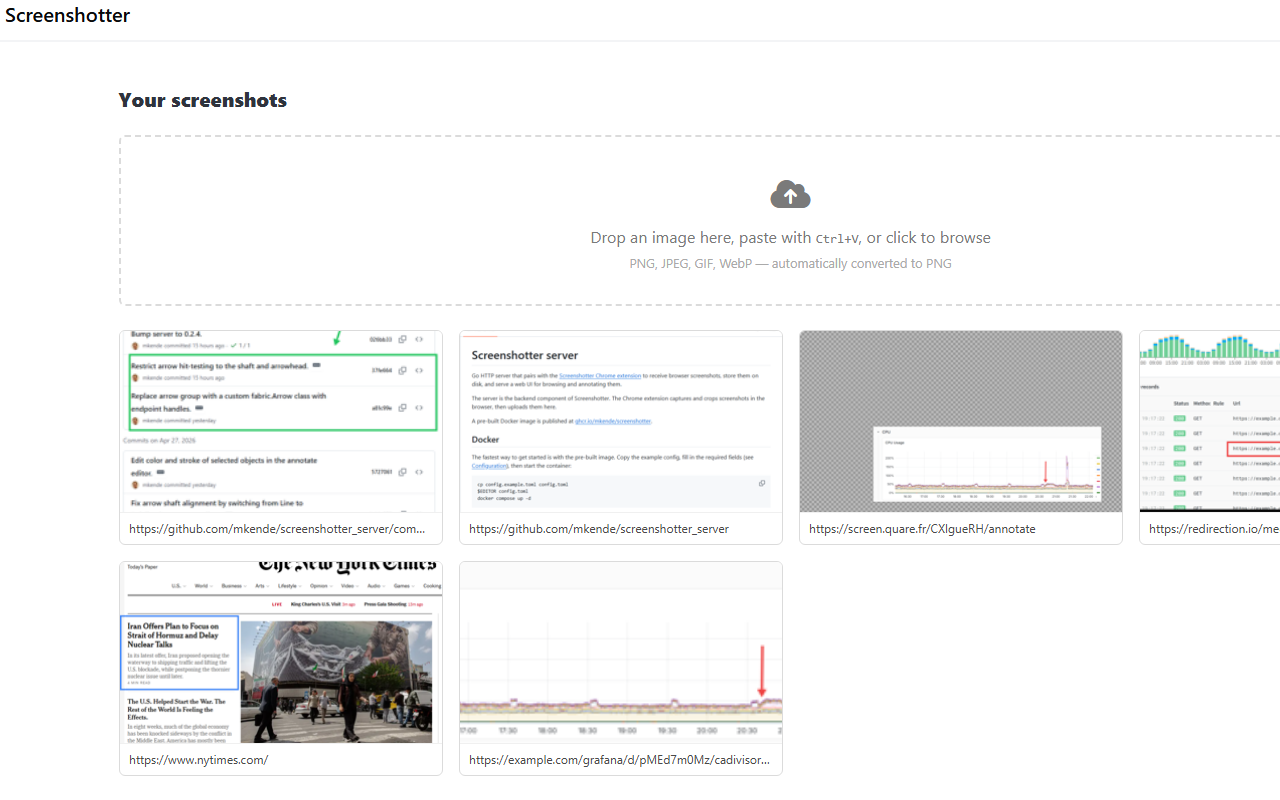
Click the icon, draw a rectangle, and the crop tab turns into the screenshot’s page. Copy the link, done. Quick upload skips even the confirmation.
Keep the original context
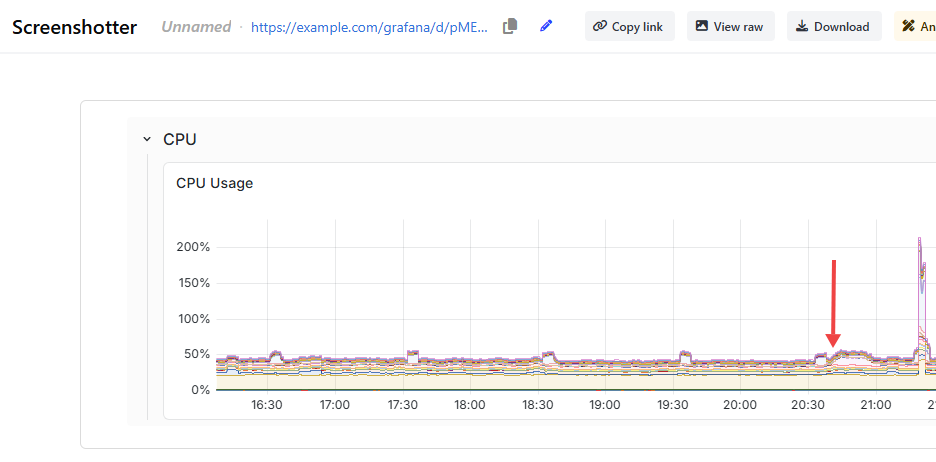
Every screenshot remembers the URL it was taken from. Whoever gets the link can jump back to the live dashboard, with the same query, range and filters.
Your server, your data
A single Go binary with SQLite or PostgreSQL, behind your reverse proxy. Users sign in with your OpenID Connect provider, Tailscale or authenticating proxy, and screenshots never transit through a third party.
Annotate before sharing
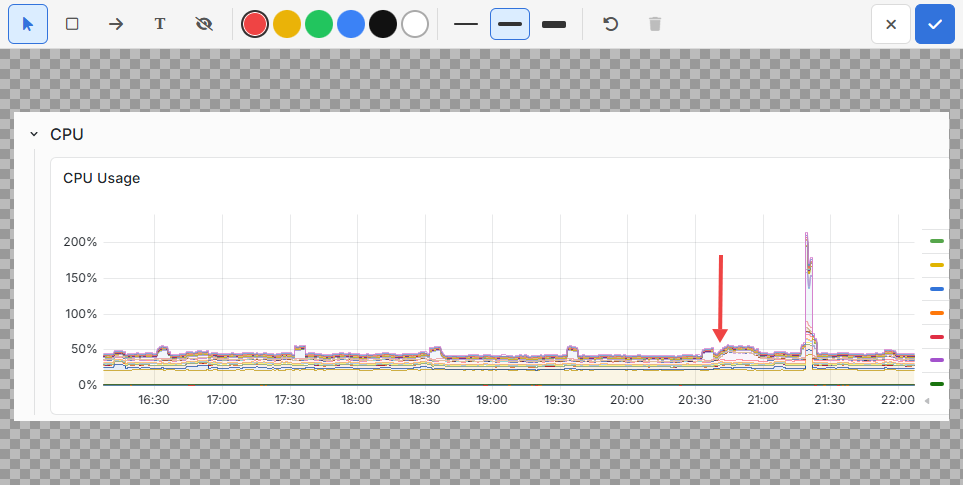
Arrows, rectangles, text and redaction boxes, right in the browser, on the server’s image page.
Previews in Slack
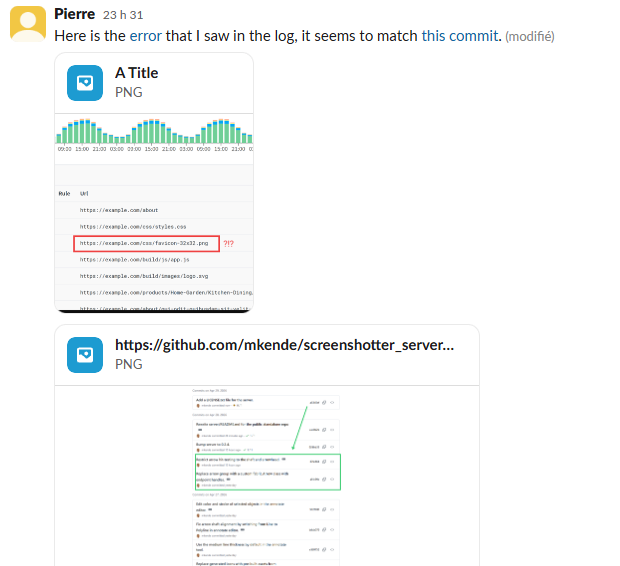
An optional bridge shows screenshot links as image cards in Slack, even when the server sits on a private network.
Ready for the fleet
Push the server address to every browser with a Chrome policy, and users have a working extension the moment it is installed.